
1. After speaking to any one of our teammates and setting a meeting schedule, our team will send you an email with the schedule information and the Zoom Link.
2. Click the join link in your email or calendar invitation.

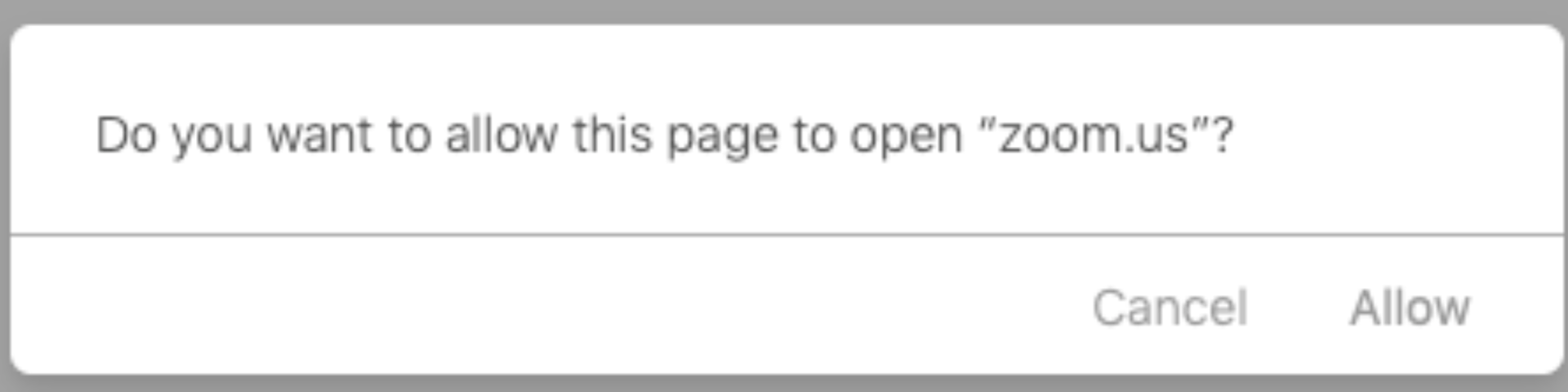
3. Depending on your default web browser, you may be prompted to open Zoom.
Please feel free to watch the video on how to join a meeting. YouTube Tap to unmute. This video is private. If the owner of this video has granted you access, please sign in. Click here.